

Getting Started
Welcome to AppNFlat! This guide will help you get started with the platform as a co-owner.
What is AppNFlat?
AppNFlat is a property management platform that helps you stay connected with your building’s management and keep your unit’s information up to date. As a co-owner, you can:
- View information about your unit(s) and complete it if necessary.
- Access your personal information (address, phones, emails, etc.) and correct it if necessary.
- Access your financial statements (if your building manager has enabled this feature).
- Read announcements from your building manager.
- Create and share posts with other residents.
- Submit requests to your building manager.
- Access documents shared by your building manager.
- Track parcels delivered to your building (if activated).
- Reserve common spaces (if activated).
Accessing the Platform
To access AppNFlat you must first have been invited by your building manager. If you have not been invited, please contact them. Once invited, you will receive an email inviting you to create your account. Once your account is activated, you can access AppNFlat:
- Open your web browser and go to the AppNFlat website (www.appnflat.com)
- Click on Log In
- Enter your email address and password
- Click on Sign In
If you’ve forgotten your password, click on Forgot Password? and follow the instructions sent to your email.
Navigation
Use the left navigation menu to access different sections:
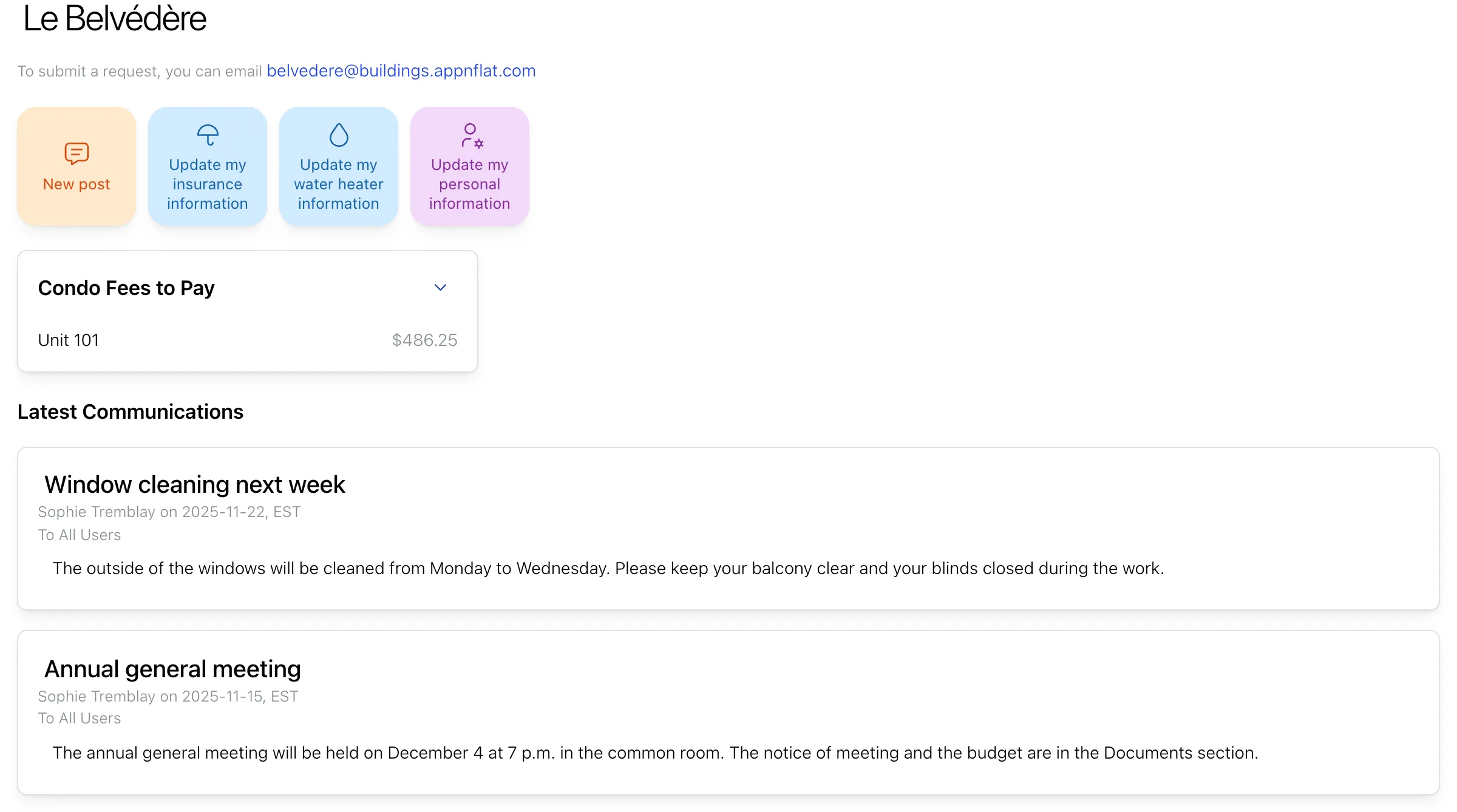
- Dashboard: Recent announcements and quick links
- Units: View and complete information about your unit(s)
- Owners & Tenants: View and update your personal information
- Communications: Read and create announcements
- Requests: Submit and track requests to your building manager
- Documents: Access documents shared by your building manager
- Services: View parcels delivered to your address and reserve common spaces
- Account: Manage your account settings and preferences
Getting Help
If you need assistance:
- Contact your building manager for questions about your building or unit.
- Refer to the other help articles in this section for detailed information about specific features.
- For technical support, contact [email protected].