

AppNFlat Account Creation
-
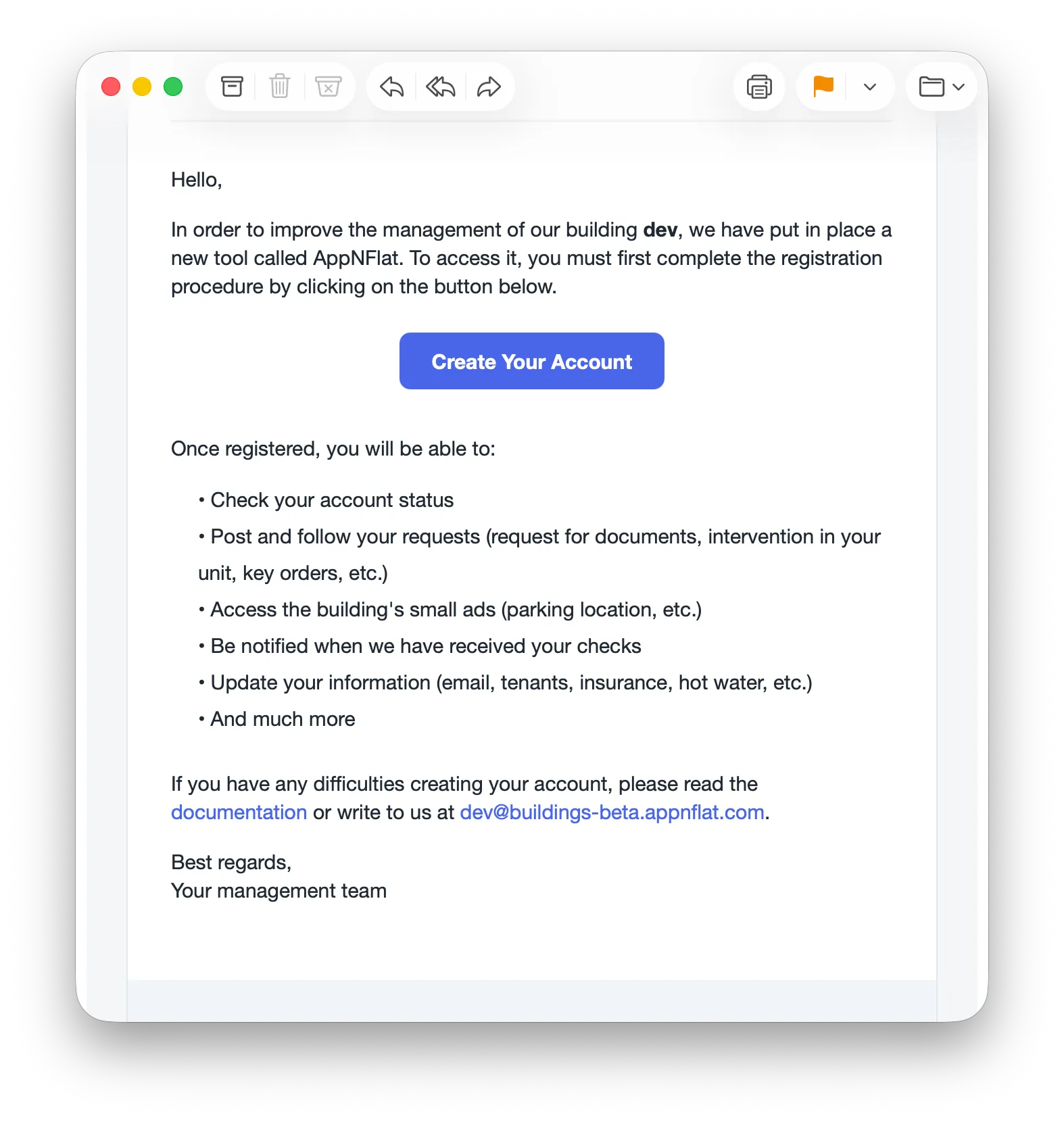
Your property manager will send you an email. Click on the link provided in the email or click here.
-
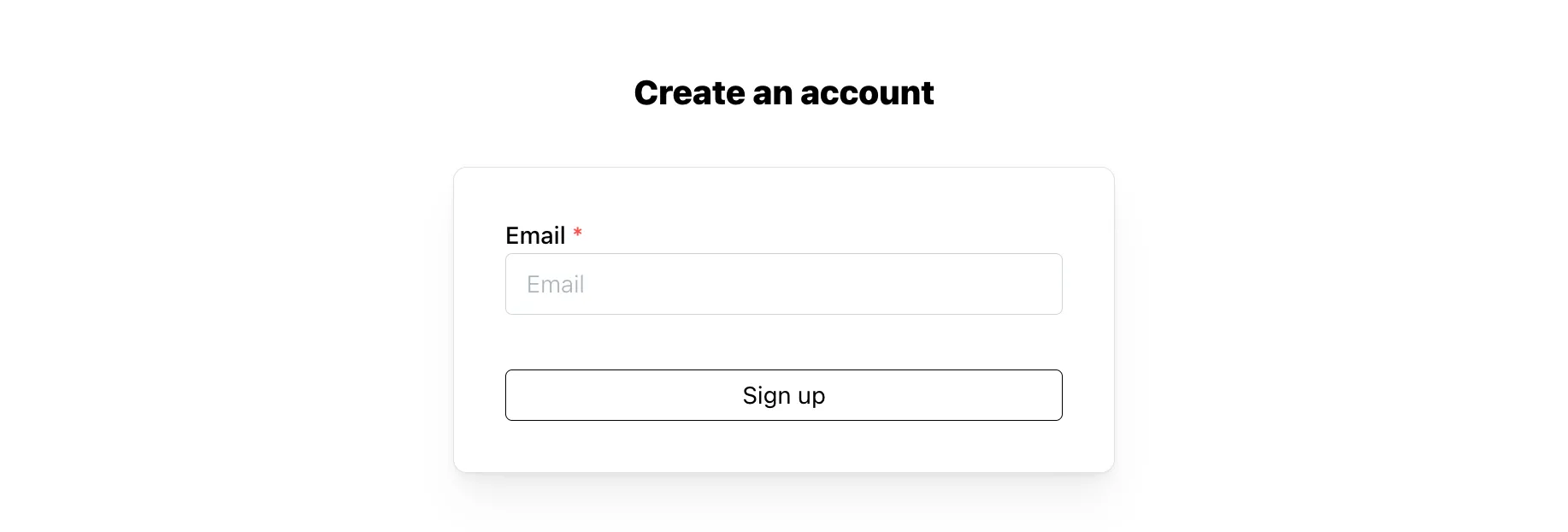
Enter your email address (the one from the invitation) and click Sign up.
-
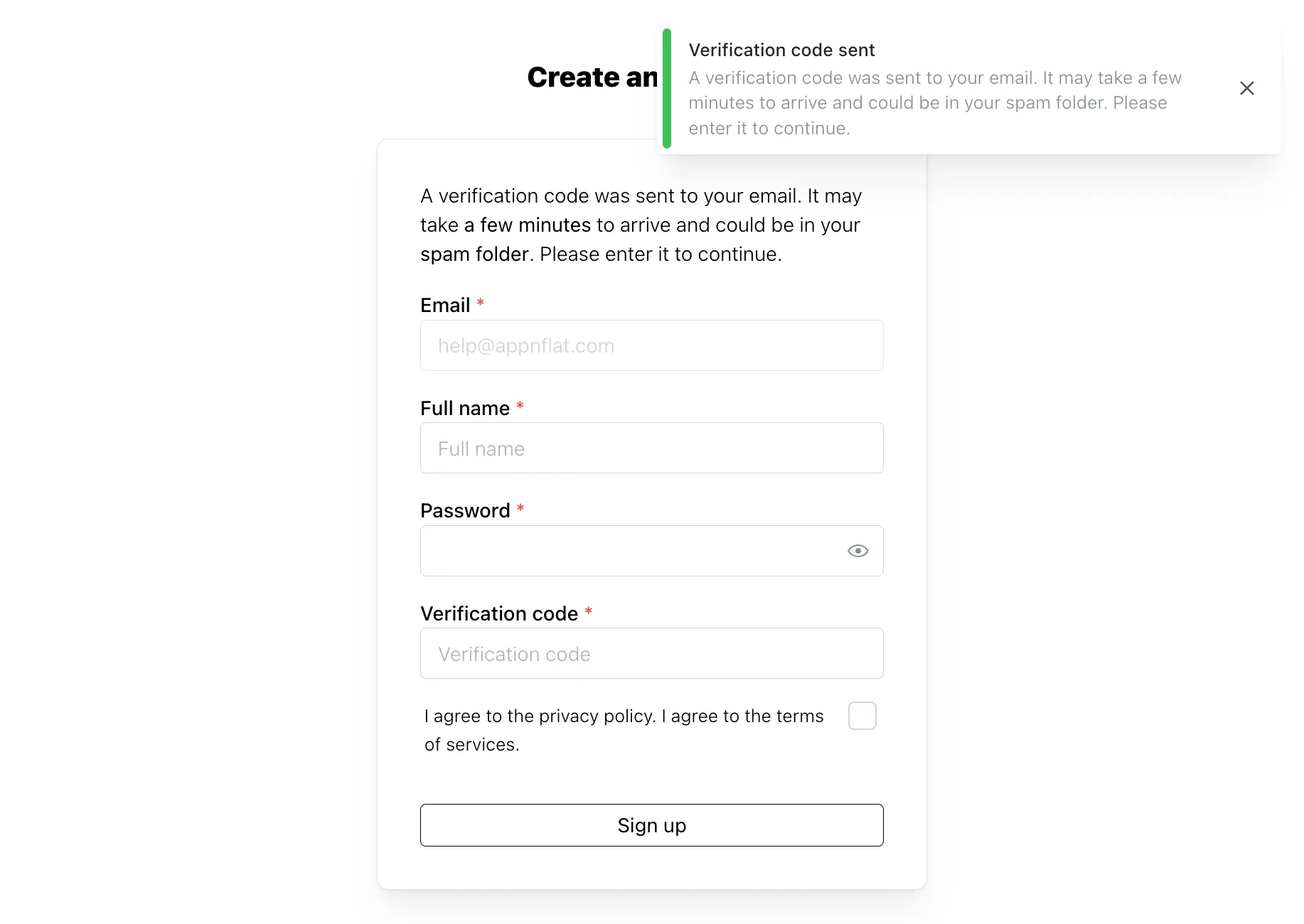
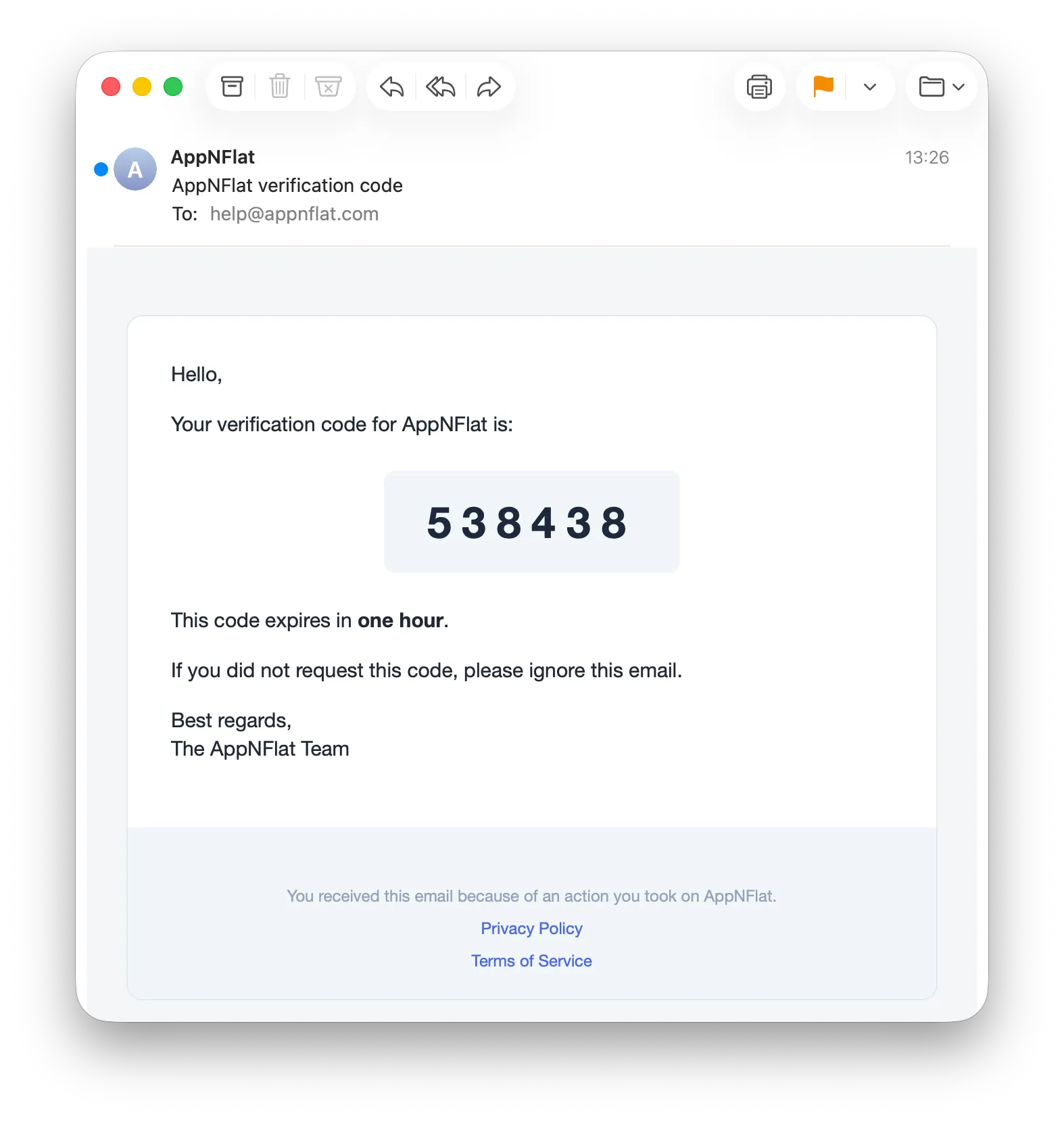
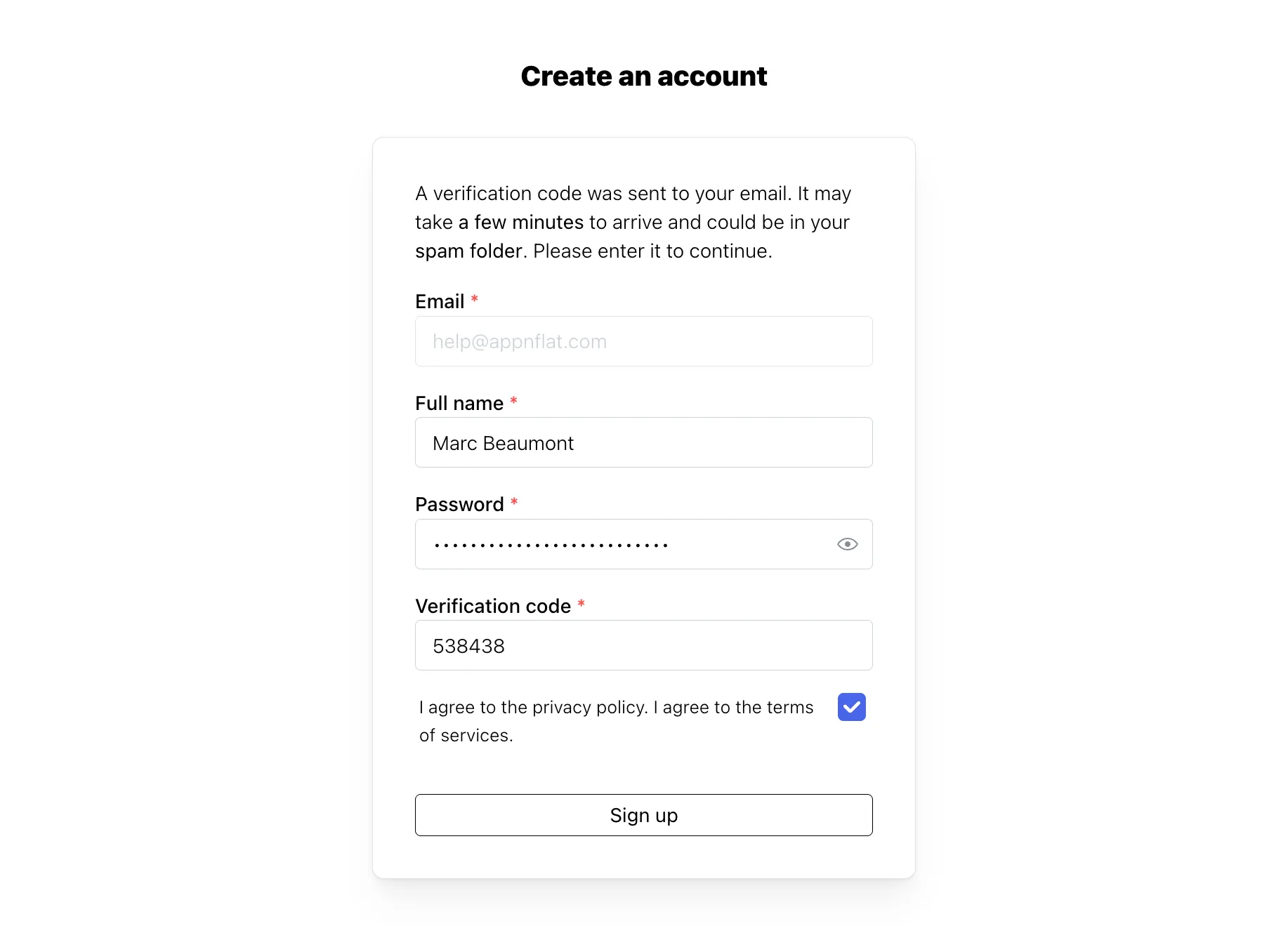
A verification code is sent to you by email. It may take a few minutes to arrive and could land in your spam folder.
-
Fill in your full name, your password and the verification code, accept the privacy policy and the terms of services, then click Sign up.
-
AppNFlat then offers to secure your account with two-factor authentication. Click Set up now to configure it right away, or Skip for now to do it later from the Security tab of your account.